Transform Your Customer Communication
See how easy it is to keep your customers informed and reduce phone calls during snow events.
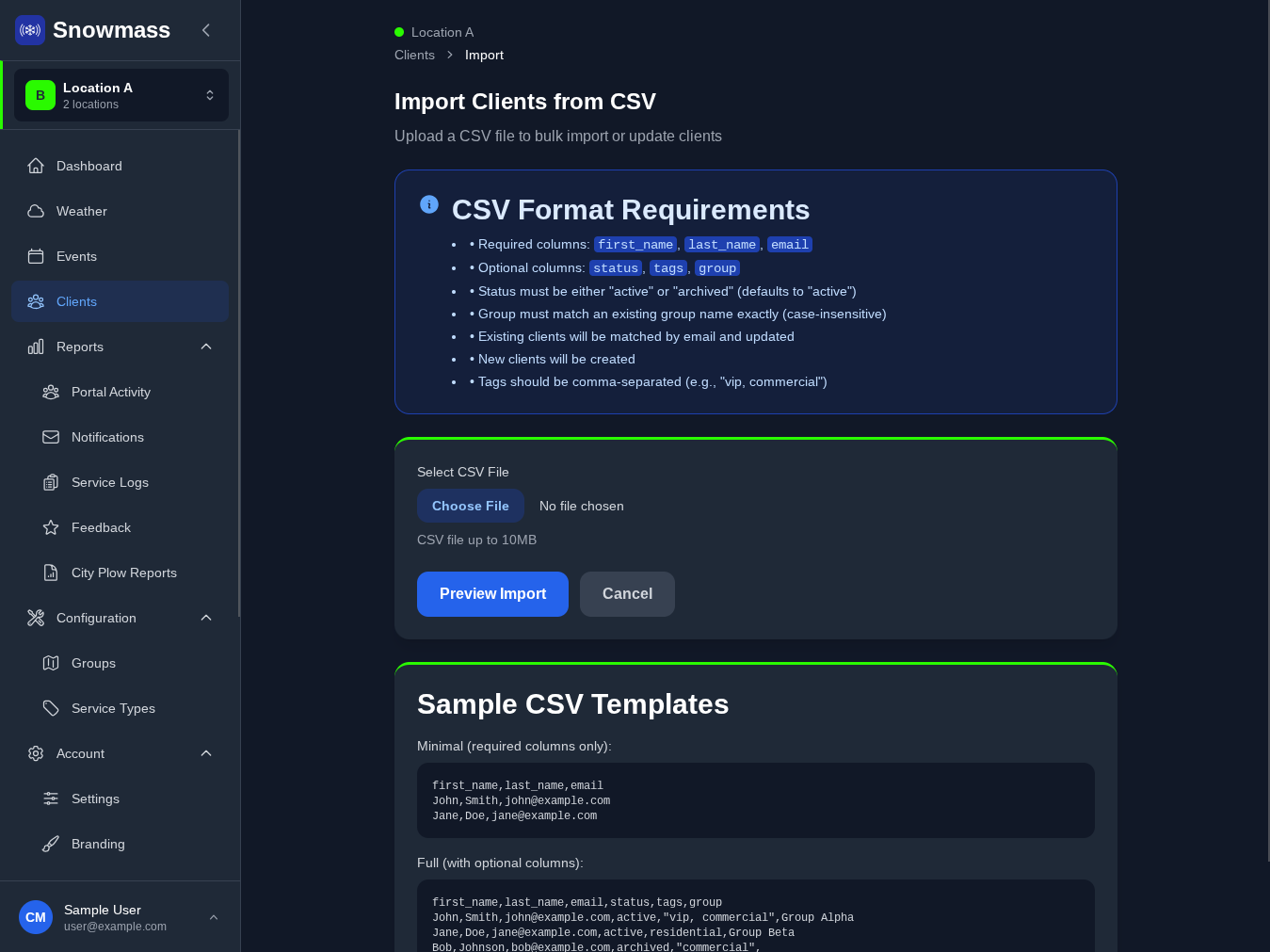
Add Your Clients
Import your client list via CSV or add them manually. Each client gets a unique portal link they can access from any device.
- Bulk import from spreadsheet
- Assign clients to groups for organized service
- Automatic welcome email with portal access
- Clients can install the PWA on their phone
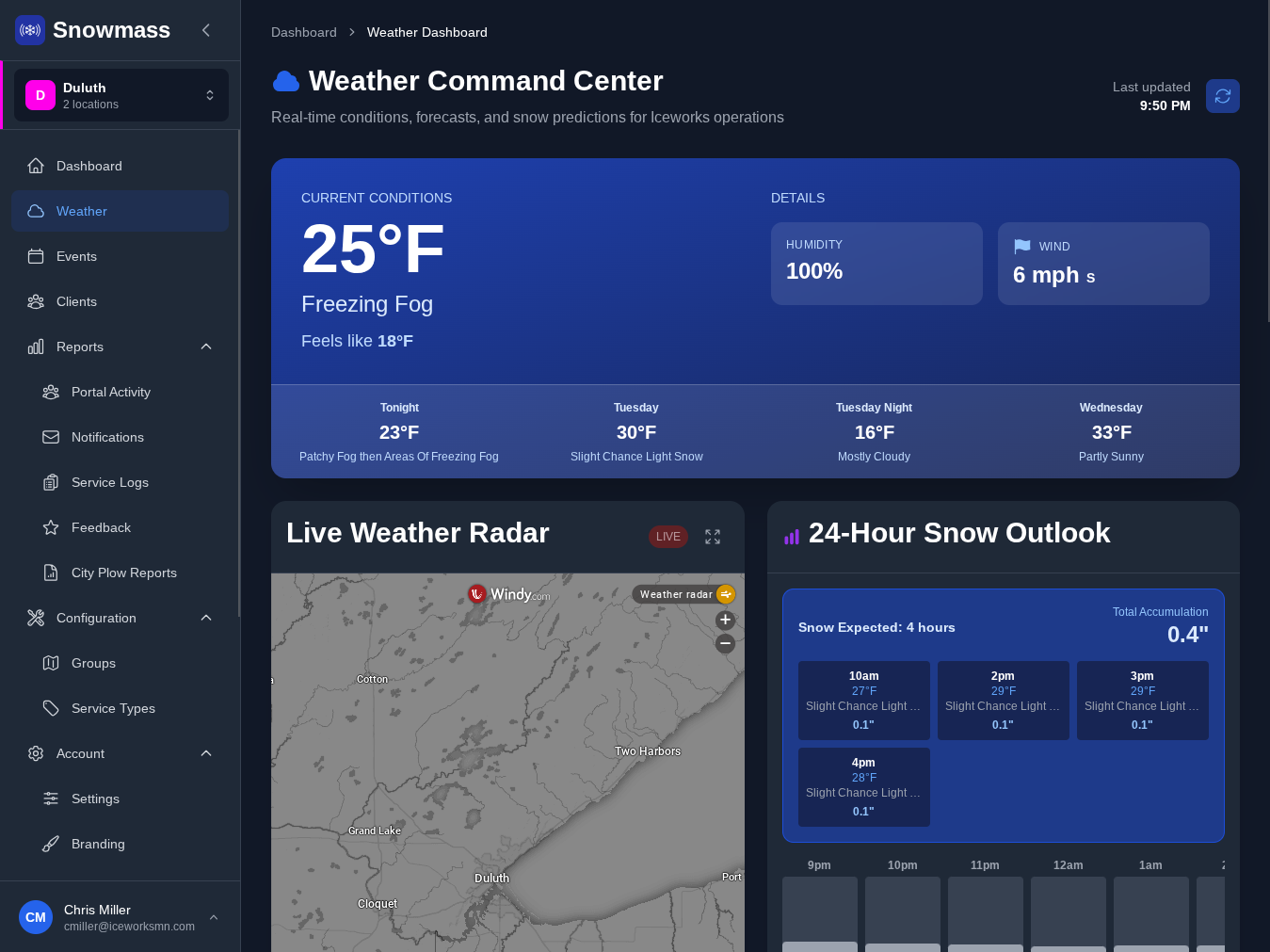
Monitor Weather & Trigger Events
When weather conditions require service, create an event. All assigned clients receive instant notifications.
- Create events with one click
- Automatic push notifications to all clients
- Email alerts for those who prefer inbox updates
- Clients see event status in their portal
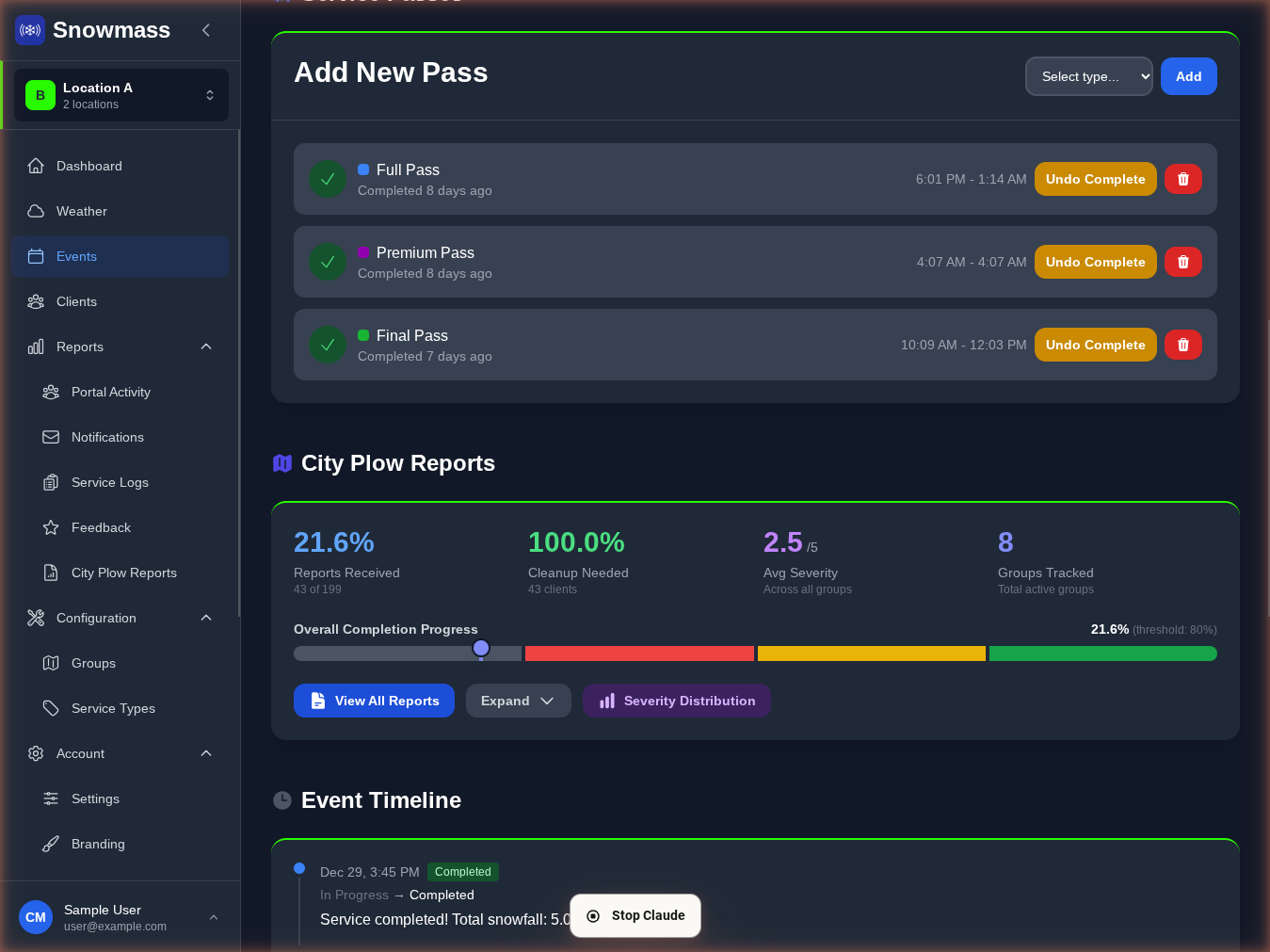
Complete Service & Log Everything
Mark service passes as you complete them. Clients get real-time updates and you build a transparent service history.
- Log service status updates
- Automatic client notifications
- Mobile-friendly logging from any device
- Complete audit trail for every event
Let Automation Handle the Communication
Once you set up Snowmass, customer communication happens automatically.
Instant Notifications
Customers get push alerts the moment you start monitoring, update an event, or complete operations.
Professional Emails
Branded email updates go out automatically. You focus on snow, we handle communication.
Mobile-First Portal
Customers check their app instead of calling you. It works on Android, iOS, Chrome, no download required.
Service Documentation
Every event and service pass is logged. Customers can view complete service history anytime.
Ready to see it in action?
Start your free account today. No credit card required.